Last Updated on 25/05/2026 by Nicole Alba
Applying for an emergency loan through the Social Security System can move quickly when your records, IDs, and disbursement details match the system requirements from the start. Many applications get delayed not because the borrower is ineligible, but because uploaded files fail verification, account names do not match, or supporting documents are incomplete.
For members affected by calamities, preparing the correct paperwork matters as much as meeting the contribution requirements. This article explains the exact documents needed for SSS emergency loan processing, accepted IDs, bank verification standards, upload rules, common rejection triggers, and how different member types can avoid verification delays.
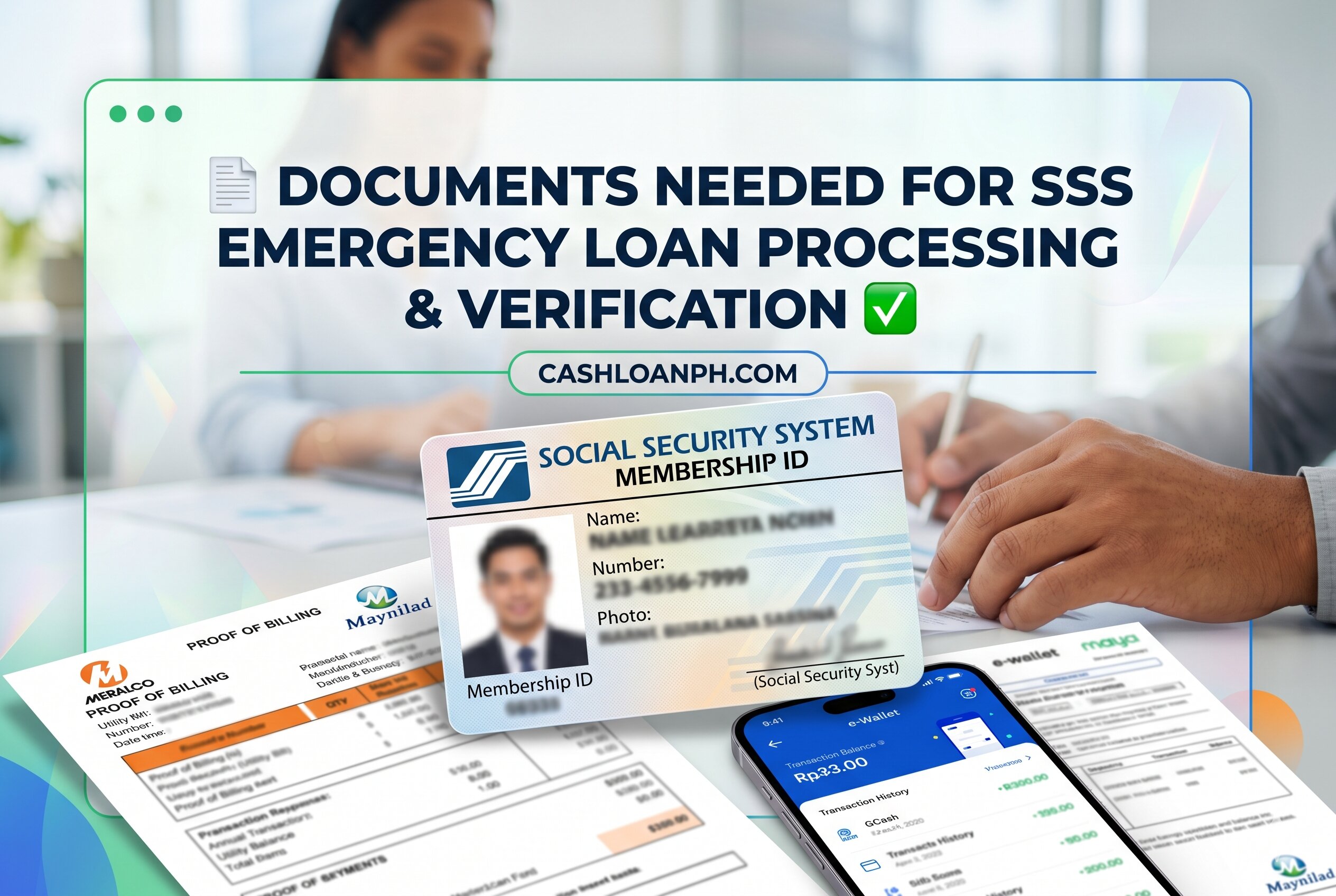
The documents needed for SSS emergency loan applications usually include a valid government-issued ID, enrolled disbursement account details, accurate member records, and supporting documents when identity inconsistencies exist. Accepted IDs commonly include UMID, Philippine passport, and driver’s license. Members using bank accounts, e-wallets, or remittance channels must complete account verification under the Disbursement Account Enrollment Module (DAEM). Applications are often delayed due to blurry uploads, name mismatches, invalid account enrollment, or unsupported screenshots. Proper file formatting, identity matching, and updated civil status records significantly reduce rejection risks and speed up digital verification processing.
Why SSS Emergency Loan Documents Matter More Than Most Borrowers Expect
The emergency loan system is heavily automated. Before a loan reaches manual review, the platform checks identity consistency, account ownership, contribution records, and document clarity using digital verification layers.
This means even a qualified member can face rejection because:
- The uploaded ID is cropped
- The account holder name differs from SSS records
- The enrolled bank account is inactive
- The image file is unreadable
- Supporting civil status records were never updated
Unlike traditional branch-based lending, modern SSS digital filing depends on identity matching across multiple databases. That includes:
- SSS membership records
- DAEM disbursement enrollment
- Banking or e-wallet verification systems
- Government-issued identity documents
- Mobile number authentication
- Email verification records
Members searching for SSS emergency loan requirements often focus only on eligibility. However, documentation problems are one of the most common reasons applications stall during processing.
Core Documents Needed for SSS Emergency Loan Applications 📋
Primary Identification Documents
Applicants must usually submit at least one clear, valid government-issued ID matching their SSS records.
Commonly accepted IDs include:
| Accepted ID | Important Validation Requirement |
|---|---|
| UMID | Name and photo must be readable |
| Philippine passport | Signature page must be visible |
| Driver’s license | Must not be expired |
| PhilSys ID | QR or demographic details must be clear |
| PRC ID | Full name must match SSS |
| Postal ID | Must show complete address |
| Voter’s ID (if accepted in current cycle) | Subject to policy updates |
The most reliable document for identity matching is often the UMID because it already connects directly to SSS identity records.
Borrowers who recently changed their surname after marriage should ensure their SSS profile already reflects the updated civil status before filing.
Disbursement Account Proofs
The emergency loan is usually released through enrolled disbursement channels under the DAEM.
Accepted channels may include:
- Bank accounts
- E-wallets
- Remittance transfer services
- Cash card products
Depending on the chosen method, supporting proof may include:
| Disbursement Method | Common Required Proof |
|---|---|
| Bank account | Bank statement or passbook |
| ATM savings account | ATM card with name |
| E-wallet | Verified account screenshot |
| Cash card | Front image of active card |
The system checks whether the account truly belongs to the borrower. This is where many disbursement account enrollment problems begin.
Supporting Civil Status Documents
Additional records may be required when member details do not align.
Examples include:
- Marriage certificate
- Birth certificate
- Court-issued correction documents
- Affidavit for name discrepancy
- Supporting IDs showing old and new names
A married member who updated their surname in banking records but not in SSS records can trigger automated mismatch flags.
Identity Matching: The Hidden Verification Layer
Why Exact Name Matching Is Critical
The SSS system cross-checks:
- Full name
- Middle name
- Date of birth
- Account ownership
- Registered mobile number
Even small differences can create verification interruptions.
Examples:
| Record Problem | Likely Outcome |
|---|---|
| Missing middle initial | Manual review |
| Typographical surname error | Possible rejection |
| Nickname used in bank account | Enrollment failure |
| Married surname mismatch | Additional document request |
This is especially common among freelancers, OFWs, gig workers, and self-employed members who opened digital wallets before updating official records.
Digital Identity Verification Standards
Modern fintech verification systems in the Philippines increasingly follow layered KYC practices aligned with anti-fraud standards encouraged by the Bangko Sentral ng Pilipinas.
The platform may evaluate:
- Facial image quality
- ID authenticity
- Metadata consistency
- Account ownership behavior
- Duplicate identity patterns
Blurry uploads are often automatically rejected before reaching human review.
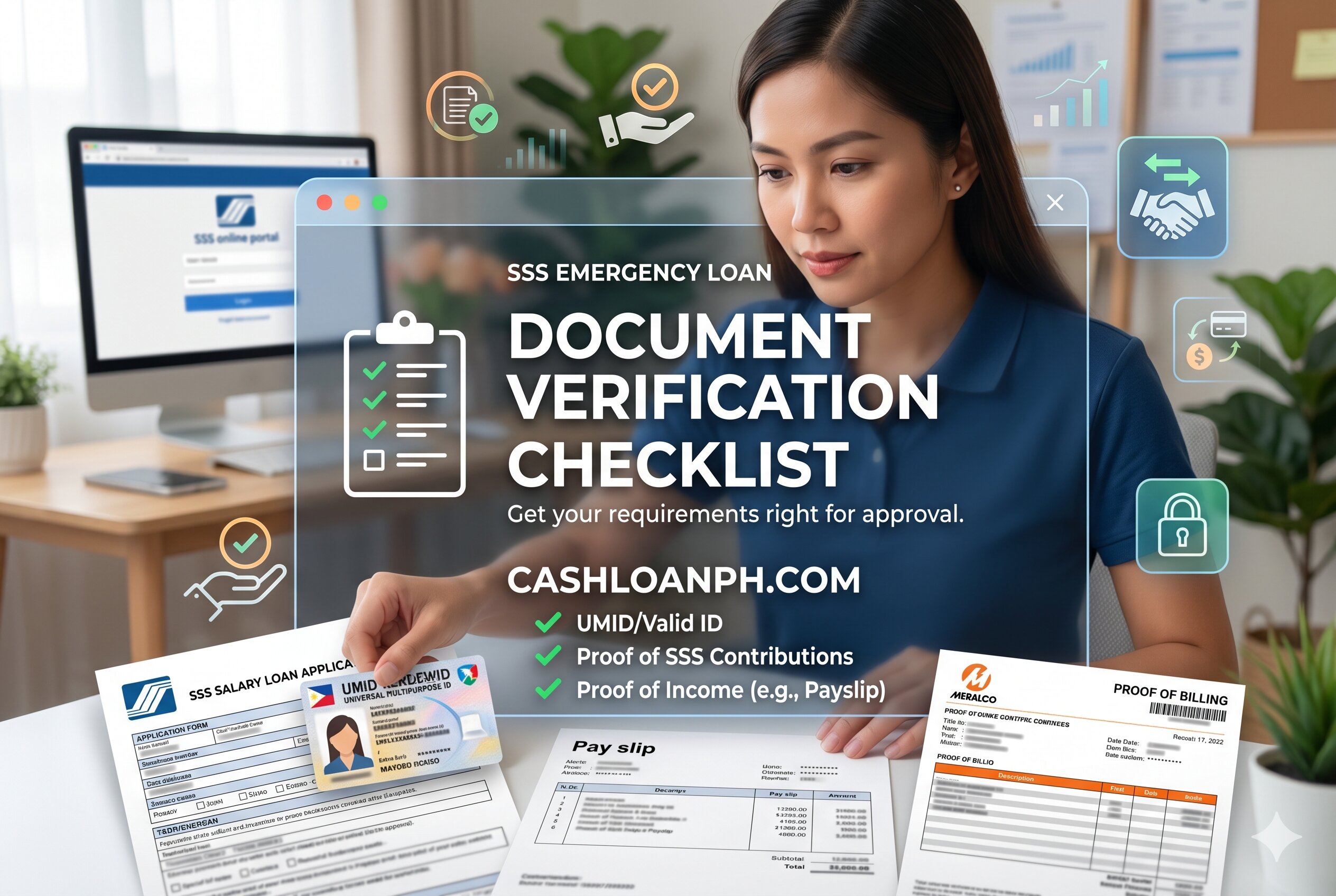
SSS Emergency Loan Document Verification Checklist
(Borrower preparing UMID, passport, bank proof, and SSS emergency loan verification documents)
Upload Specifications That Frequently Cause Rejections ⚠️
File Quality Standards
Most upload failures happen because members underestimate image clarity requirements.
Common upload rules include:
- Full document visible
- No cropped corners
- No heavy shadows
- Readable text
- Stable lighting
- Accepted file format
- Reasonable file size
- No edited screenshots
Documents photographed from old mobile phones often fail automated OCR verification.
Screenshots vs Actual Documents
Many members ask whether screenshots are acceptable.
The answer depends on the type of document.
Usually accepted:
- Verified e-wallet profile screenshots
- Digital banking profile pages
- Online account ownership pages
Usually rejected:
- Cropped screenshots
- Edited images
- Social media profile screenshots
- Transaction-only screenshots without account ownership details
The system prioritizes proof showing:
- Full account name
- Account number
- Platform branding
- Ownership consistency
Common File Upload Errors
Borrowers researching why applications get rejected often encounter these technical issues:
| Upload Problem | Likely Result |
|---|---|
| Blurry ID | Rejection |
| Incomplete bank statement | Additional verification |
| Expired ID | Invalid submission |
| Dark image exposure | OCR failure |
| Unsupported file format | Upload failure |
| Screenshot without name | Account verification rejection |
Required Documents by Member Type 👥
Employed Members
Employed applicants usually experience fewer identity issues because employer contributions maintain active records.
Still, they should prepare:
- Valid ID
- Active disbursement account
- Updated contact information
- DAEM enrollment confirmation
If employment records are outdated, branch correction may still be necessary.
Self-Employed and Freelancers
This category faces more verification friction because identity records may differ across platforms.
Common issues include:
- Different signatures
- Nickname-based e-wallet accounts
- Inconsistent tax records
- Outdated civil status
- Dormant bank accounts
Self-employed borrowers should prioritize:
- Fresh bank account verification
- Updated KYC records
- Consistent legal name usage
OFWs and Overseas Applicants
Overseas Filipino Workers often rely on:
- Digital wallets
- International-access mobile numbers
- Online banking
However, foreign number changes frequently interrupt OTP verification.
OFWs should confirm:
- Philippine mobile number accessibility
- Active email access
- Updated SSS online credentials
- Current passport validity
Voluntary Members
Voluntary members sometimes encounter gaps in contribution posting or outdated contact details.
Their safest preparation approach includes:
- Recent contribution confirmation
- Revalidated DAEM account
- Fresh ID upload review
Bank Account Verification: Why Enrollment Fails
Common DAEM Rejection Triggers
The Bank account verification stage is one of the strictest parts of the process.
Applications may fail because:
- Account name differs from SSS
- Account is inactive
- Joint account submitted
- Payroll account restrictions
- Digital bank unsupported
- Incorrect account number
Some digital banks also apply automated ownership checks before accepting government-linked disbursement enrollment.
Best Practices for Faster Verification
To reduce delays:
- Use a personal account only
- Avoid nicknames
- Upload uncropped proof
- Ensure account remains active
- Recheck account numbers before submission
- Use updated banking documents
Borrowers who repeatedly re-upload rejected files without fixing the root issue may trigger extended review periods.
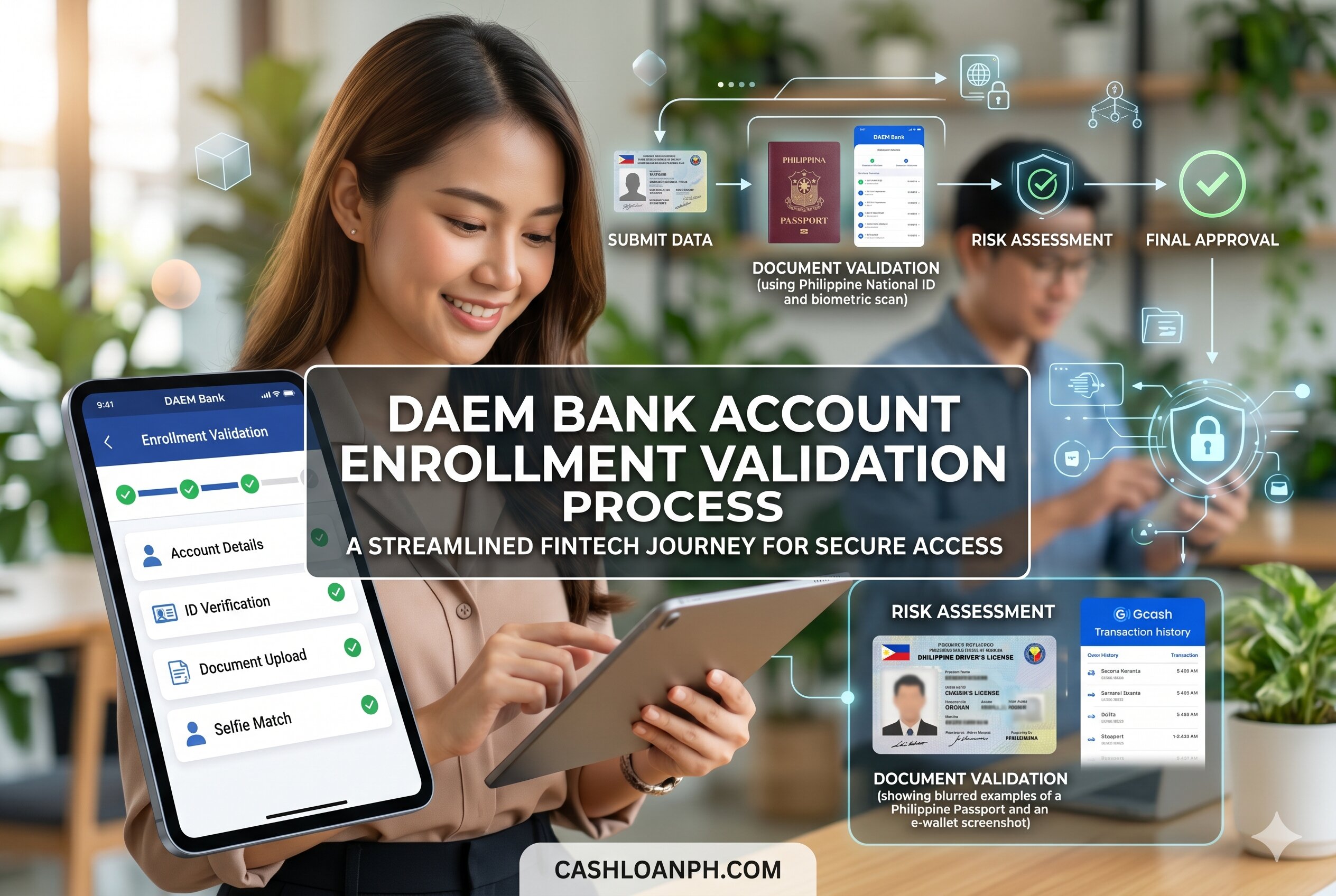
DAEM Bank Account Enrollment Validation Process
(Digital bank account verification for SSS emergency loan disbursement enrollment)
Real Borrower Situations That Cause Processing Delays
Married Member With Different Surnames
A member may:
- Use maiden name in SSS
- Use married name in bank account
- Upload passport with updated surname
The system detects inconsistency immediately.
In many cases, the borrower must first update SSS membership records before the emergency loan proceeds.
Blurry UMID Upload From Mobile Camera
Low-light photos commonly fail because:
- Text becomes unreadable
- Security features distort
- OCR extraction fails
A clearer re-upload using daylight and stable focus usually resolves the issue quickly.
Invalid E-Wallet Enrollment
Some applicants upload transaction screenshots instead of ownership proof.
The platform typically requires:
- Full account profile
- Registered name
- Mobile number
- Visible platform identity
Simple wallet balance screenshots are often insufficient.
What IDs Are Usually Accepted for SSS Emergency Loan Processing?
Most Reliable Government IDs
The strongest identity documents generally include:
- UMID
- Philippine passport
- Driver’s license
- PhilSys National ID
The Philippine passport is especially useful for members with overseas transactions because banks frequently recognize it as a high-trust ID.
The Driver’s license is also commonly accepted if:
- Not expired
- Fully visible
- Signature area readable
Are Barangay Certificates Required?
A barangay certificate is not usually a primary requirement for emergency loan filing itself.
However, it may become relevant when:
- Address verification problems exist
- Supporting identity clarification is needed
- Local residency proof is requested during manual review
It should not replace a valid government-issued ID.
Why Some Documents Pass Manually but Fail Online
Automated Verification Is Stricter Than Manual Review
Branch personnel may sometimes recognize partially readable documents during face-to-face processing.
Digital systems do not.
Automated validation checks:
- Sharpness
- Text extraction
- Edge detection
- Image authenticity
- Consistency patterns
This explains why older scanned copies sometimes fail online despite appearing readable to humans.
Fraud Prevention Logic Behind Strict Upload Rules
The verification process is intentionally strict because digital lending systems face risks involving:
- Identity theft
- Synthetic accounts
- Fake IDs
- Account takeovers
- Edited screenshots
Philippine fintech compliance increasingly prioritizes secure digital onboarding and borrower authentication.
Quick Checklist Before Submitting Your Emergency Loan Application ✅
Identity Checklist
- Full legal name matches all records
- ID is not expired
- Photo is clear
- Signature visible
- No cropped edges
Disbursement Checklist
- DAEM account already enrolled
- Account is active
- Account belongs to borrower
- Account number verified twice
- Uploaded proof is readable
Upload Checklist
- Proper lighting
- JPEG or supported format
- No screenshots unless accepted
- File not compressed excessively
- Entire document visible
Record Consistency Checklist
- Civil status updated
- Mobile number active
- Email accessible
- SSS profile accurate
Final SSS Emergency Loan Application Preparation
(Member reviewing uploaded IDs and bank documents before SSS emergency loan submission)
Practical Preparation Tips That Reduce Delays
Prepare Files Before Logging Into the Portal
Many session expirations happen because users scramble to find documents while already inside the filing portal.
Prepare:
- ID images
- Bank proofs
- Supporting certificates
- Backup file copies
before starting the application.
Use Stable Internet During Upload
Interrupted uploads can corrupt image submissions without obvious warnings.
A stable mobile or fiber connection helps avoid incomplete uploads that later trigger rejection notices.
Avoid Excessive Image Compression
Borrowers often compress files too aggressively to meet upload limits.
Over-compressed images reduce OCR readability and can cause:
- blurred text
- distorted IDs
- unreadable account numbers
Maintain balanced image quality.
Conclusion
Preparing the correct documents needed for SSS emergency loan processing is one of the most important parts of avoiding delays, rejection notices, and repeated verification requests. Most filing problems are not caused by eligibility issues but by mismatched records, poor-quality uploads, inactive disbursement accounts, or incomplete identity verification.
Before submitting your application, make sure your IDs are valid, your DAEM enrollment is active, and all personal records match across your SSS profile and financial accounts. Careful preparation not only speeds up processing but also protects borrowers from unnecessary resubmissions and verification complications during emergency financial situations.