Last Updated on 16/06/2026 by Nicole Alba
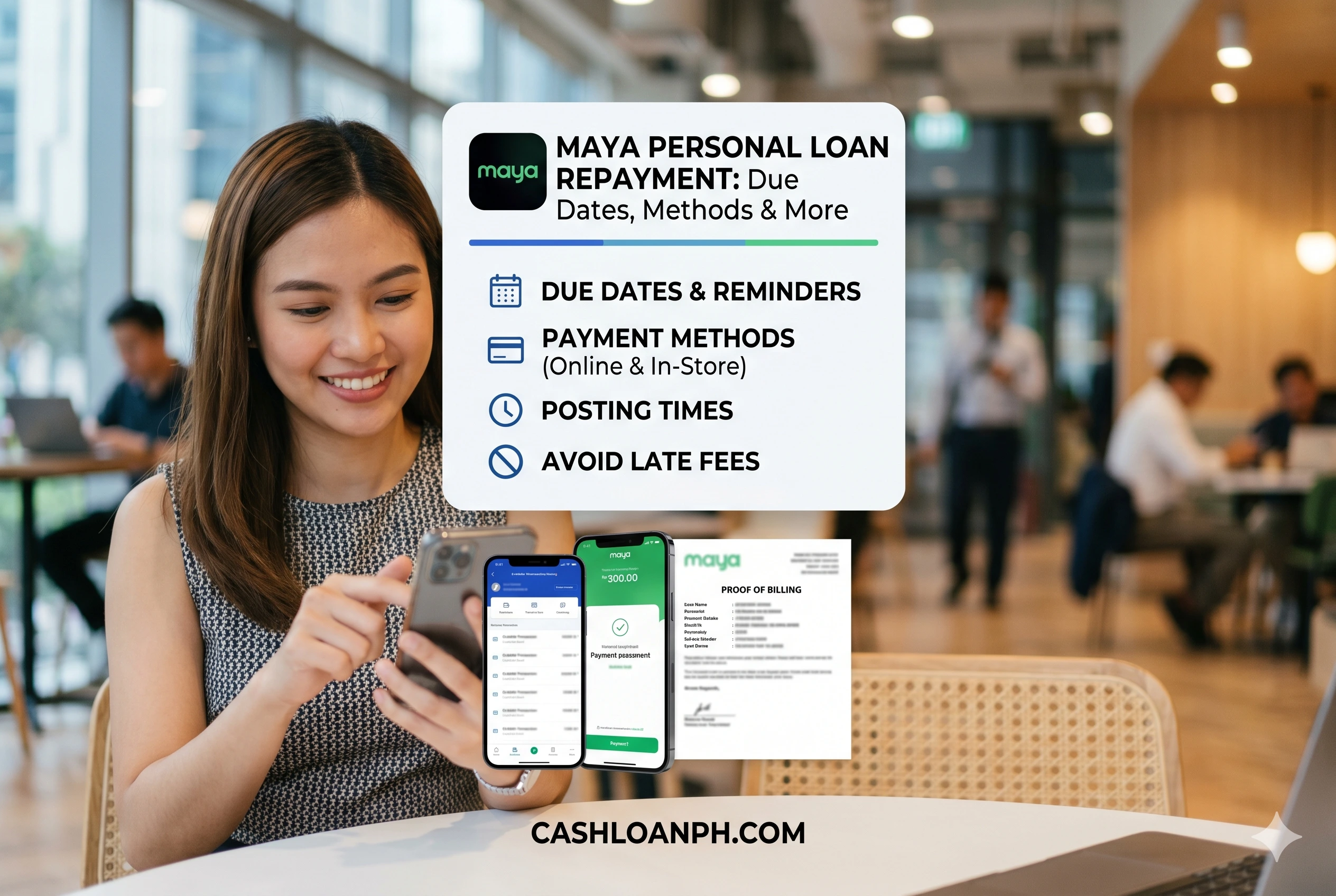
After receiving a loan, repayment becomes the most important part of the borrowing journey. For Maya Personal Loan users in the Philippines, many questions arise after approval: When is the due date? How does the auto-debit system work? How long does payment posting take? What happens if payment is made on a weekend? Can partial payments prevent penalties?
Unlike application-related concerns, repayment management focuses on operational execution. Borrowers who understand repayment mechanics are less likely to incur late fees, experience payment disputes, or face credit profile issues.
This article explains how Maya Personal Loan repayment works, how payments are processed, how posting times behave under different conditions, and what borrowers can do when something does not appear correctly inside the app.
Quick Repayment Overview
| Repayment Item | What Borrowers Should Know |
|---|---|
| Primary repayment channel | Maya App |
| Funding source | Maya Wallet and eligible nominated account |
| Auto-debit available | Yes |
| Due date visibility | Maya App and repayment notices |
| Manual payment option | Available before due date |
| Payment receipt | Generated inside app |
| Late payment risk | Possible if due amount remains unpaid |
| Posting time | May vary depending on processing systems |
| Weekend payments | Usually accepted but posting may differ |
| Partial payments | Subject to loan account behavior and remaining balance |
| Status tracking | Available through loan dashboard and payment history |
Summary
Maya personal loan repayment can be completed through the Maya App using manual payment or the built-in auto-debit system linked to a nominated account. Borrowers should monitor due dates directly inside the app, maintain sufficient wallet balance before repayment day, and verify successful posting through receipts and transaction records. While many payments reflect quickly, processing delays can occur because of payment processors, banking cutoffs, weekends, maintenance windows, or account reconciliation activities. Paying before the due date, saving transaction receipts, and monitoring repayment status are practical ways to avoid penalties, disputes, and repayment interruptions.
Why Repayment Management Matters More Than Many Borrowers Realize
Most repayment problems do not start with inability to pay.
They usually begin with:
- Misreading the due date
- Assuming payment posts instantly
- Insufficient Maya Wallet balance
- Ignoring repayment notifications
- Paying at the last minute during system maintenance
- Assuming a payment receipt automatically means loan posting is complete
In Philippine digital lending, lenders increasingly use automated servicing systems. These systems rely on transaction timestamps, account reconciliation procedures, and payment processor confirmations.
Because Maya operates through a mobile-first ecosystem, repayment activities are heavily automated. This creates convenience but also means borrowers must pay attention to timing and transaction status.
How Maya Personal Loan Repayment Works
Manual Repayment Through the Maya App
The most common repayment method is manual payment directly inside the app.
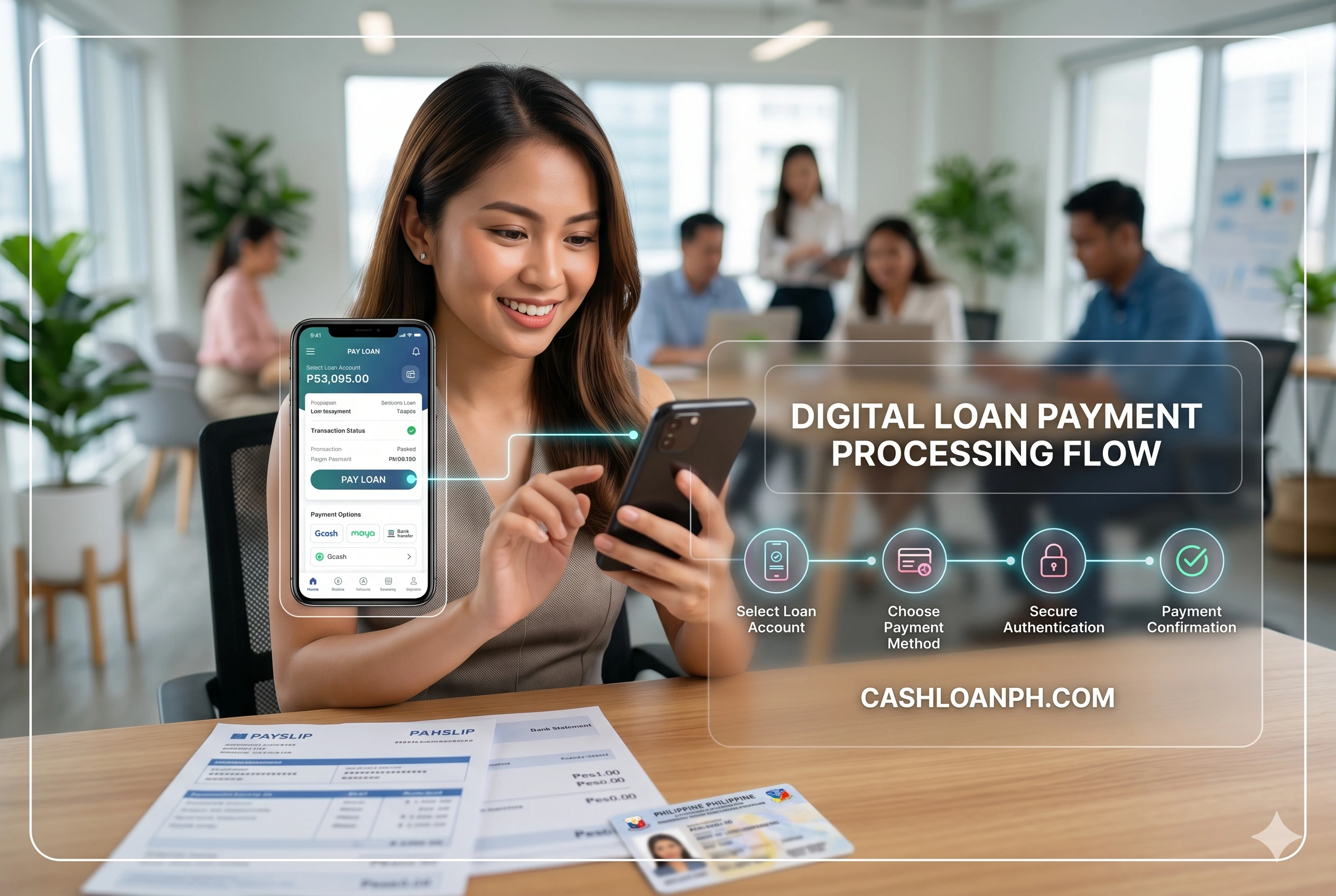
Typical workflow:
- Open Maya App
- Navigate to Loans
- Select Personal Loan
- Tap “Pay Now”
- Enter payment amount
- Review payment details
- Confirm transaction
- Save the receipt
Official Maya repayment instructions indicate that borrowers can pay directly from the Personal Loan section within the app. The process generates a transaction receipt for future reference.
A best practice used by experienced borrowers is taking screenshots immediately after payment rather than relying solely on app history.
Auto-Debit System: What Happens on Due Date?
Maya Personal Loan also uses an auto-debit system.
Under the loan terms, Maya may automatically deduct repayment amounts from the borrower’s nominated Maya account on the due date. The nominated account may include the Maya Wallet or another eligible account designated for repayment.
The system generally works as follows:
- Due date arrives
- System checks available balance
- Amount due is identified
- Auto-debit attempt is initiated
- Payment is applied if sufficient funds exist
This means borrowers should avoid waiting until the last few minutes before the due date to fund their wallet.
Practical Tip
Many experienced digital lending users keep their repayment funds in the wallet at least one day before the scheduled due date.
Doing so reduces exposure to:
- Network interruptions
- Delayed fund transfers
- Wallet funding failures
- Maintenance windows
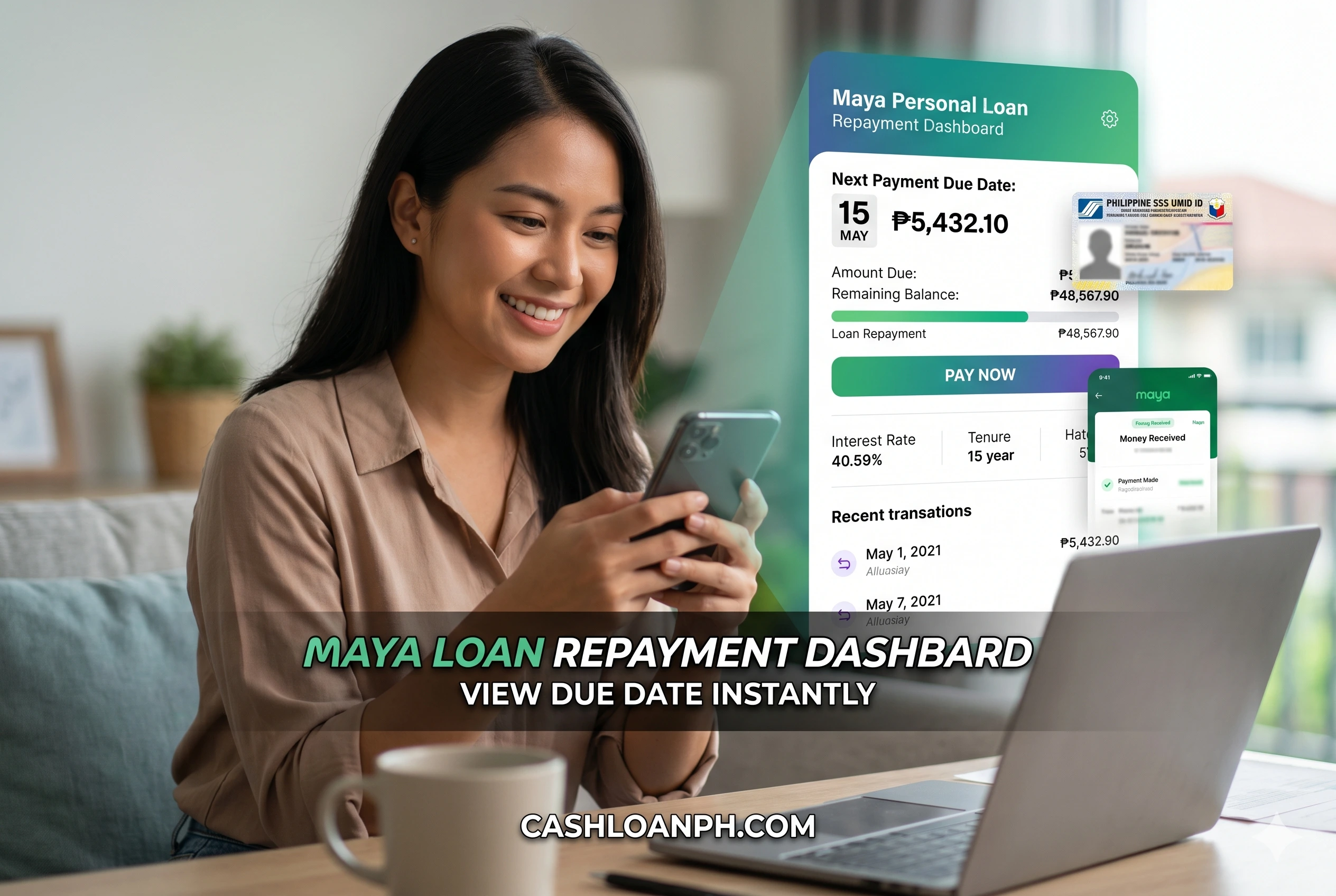
📅 Due Dates: Where to Find Them and How They Behave
Due Dates Are Not Always Identical Calendar Dates
One common borrower mistake is assuming every installment falls on the exact same calendar day.
Digital loan servicing systems sometimes calculate due schedules based on:
- Loan booking date
- Number of days in the month
- Banking calendar adjustments
- Internal amortization rules
Community-reported experiences show that some borrowers become confused when a due date appears to shift because of calendar variations or month-length differences.
The safest approach is simple:
Always check the due date displayed in the Maya App instead of relying on memory.
Where Due Dates Appear
Borrowers may typically see due dates through:
- Loan dashboard
- Repayment screen
- Notice of Payment
- In-app notifications
- SMS notifications
Official loan terms indicate that repayment notices are sent through app notifications and other communication channels.
When Is Payment Considered Paid?
Transaction Date vs Posting Date
This distinction causes many repayment concerns.
There are usually two timestamps:
| Timestamp | Meaning |
| Transaction Date | When borrower initiated payment |
| Posting Date | When payment appears on loan account |
Borrowers often worry when a payment is successful but not yet reflected in the loan balance.
In most financial systems, these are separate processes.
The payment processor may confirm receipt immediately while the loan servicing platform updates balances later.
Community experiences suggest that transaction timing is generally more important than visual posting timing when determining whether payment was made before the due date.
Why Posting Delays Happen
Several operational factors may delay posting:
- Internal reconciliation
- Payment processor verification
- Banking cutoffs
- Weekend settlement cycles
- Public holidays
- Platform maintenance
- Batch processing
A posting delay does not automatically mean the payment failed.
How Long Does Maya Personal Loan Payment Posting Take?
Typical Posting Behavior
Many borrowers see payment updates quickly.
However, real-world payment systems rarely guarantee instant posting for every transaction.
Payment reflection may depend on:
- Time of payment
- Payment source
- System load
- Reconciliation schedules
- Maintenance activities
Some community discussions mention payments reflecting within approximately 24 hours, although actual timelines can vary.
When Borrowers Should Follow Up
Contact support if:
- Payment was deducted
- Receipt exists
- Balance remains unchanged for several business days
- Due status remains active despite successful payment
Keep:
- Transaction ID
- Receipt screenshot
- Payment timestamp
- Wallet deduction evidence
These records significantly accelerate support investigations.
Information Gain Insight
A common misconception is that repayment disputes happen because funds were not deducted.
In practice, many disputes arise because the deduction succeeded but account reconciliation did not complete correctly. Maintaining documentation dramatically improves resolution speed when this occurs.
Weekend and Holiday Payments: What Borrowers Should Expect
Can You Pay on Weekends?
Yes, app-based repayment systems generally remain accessible during weekends.
However, payment posting behavior may differ.
Possible outcomes include:
- Immediate reflection
- Next-business-day posting
- Delayed reconciliation
The key factor is not whether payment occurs on a weekend but whether the payment record successfully enters the servicing system.
Should You Wait Until Sunday Night?
Not advisable.
Borrowers who wait until the final hours before a deadline face greater operational risk.
Examples include:
- Connectivity issues
- Wallet funding failures
- OTP delays
- Maintenance windows
A safer habit is paying one to three days before the due date.
What Happens If You Miss a Payment?
Immediate Consequences
If the amount due remains unpaid after the due date, the account may become subject to additional charges according to loan terms. Official Maya loan information indicates late payment fees may apply to unpaid balances.
Potential consequences include:
- Late fees
- Additional charges
- Collection reminders
- Credit profile impact
- Reduced eligibility for future loan offers
Collection and Reminder Activities
Borrowers frequently report receiving reminders before repayment deadlines.
These reminders may arrive through:
- SMS
- Calls
- Push notifications
- App messages
Community discussions indicate reminder calls often begin before the repayment deadline as part of standard servicing operations.
Does Missing One Day Automatically Create Major Problems?
Not necessarily.
However, borrowers should avoid assuming grace periods exist unless explicitly stated in official loan documents.
The safest approach is immediate settlement once a missed payment is identified.
Partial Payments: Can They Help?
How Partial Payments Usually Work
A partial payment reduces the unpaid amount but may not fully satisfy the installment requirement.
Depending on servicing rules, the account may still show:
- Remaining balance
- Outstanding installment
- Amount due
Borrowers should verify exactly how the payment is applied within the loan dashboard.
Common Borrower Misunderstanding
Some borrowers believe paying any amount before due date automatically prevents penalties.
In reality, what matters is whether the required amount due has been satisfied according to loan servicing rules.
Always review:
- Amount Due
- Remaining Balance
- Updated repayment status
before assuming the installment is complete.
How to Track Repayment Status Correctly
Signs That Payment Was Successful
Look for:
✅ Wallet deduction
✅ Payment confirmation screen
✅ Transaction reference number
✅ Receipt generation
✅ Updated loan balance
Signs That Require Investigation
Watch for:
⚠ Wallet deduction without loan update
⚠ Duplicate payment attempts
⚠ Missing receipt
⚠ Active overdue status after payment
⚠ Balance not changing after several business days
Borrower Best Practice
Create a repayment folder containing:
- Screenshots
- SMS confirmations
- Email confirmations
- Transaction references
Many experienced borrowers only delete records after the next billing cycle confirms proper posting.

Troubleshooting Common Repayment Problems
Payment Deducted but Not Reflected
Steps:
- Verify transaction history
- Save proof of deduction
- Wait for standard processing period
- Recheck loan dashboard
- Contact support if unresolved
Community reports occasionally mention repayment deductions that required additional investigation before posting was completed.
Insufficient Wallet Balance on Due Date
Possible outcomes include:
- Auto-debit failure
- Partial collection attempt
- Outstanding balance remaining
To avoid this issue:
- Fund wallet early
- Check available balance
- Monitor repayment reminders
Repayment Amount Appears Different
Some borrowers notice changing balances or accrual displays inside their account.
When this occurs:
- Review disclosure statements
- Review amortization schedule
- Check installment details
- Contact support if figures appear inconsistent
Community discussions indicate this is a frequent source of confusion among borrowers who monitor balances daily.
Borrower Habits That Reduce Repayment Risk
The borrowers who experience the fewest repayment issues usually follow a predictable pattern:
One Week Before Due Date
- Check amount due
- Verify wallet balance
- Review repayment schedule
Three Days Before Due Date
- Ensure funds are available
- Confirm no bank transfer delays exist
One Day Before Due Date
- Verify auto-debit readiness
- Confirm account access
Due Date
- Monitor transaction activity
- Save all receipts
These habits significantly reduce operational errors.
If you previously researched loan amount details, repayment planning becomes easier because you already know how monthly obligations fit into your budget.
Likewise, borrowers dealing with earlier disbursement issues should pay extra attention to transaction records because documentation is essential whenever financial servicing investigations occur.
For readers comparing repayment obligations across products, reviewing how a maya personal loan installment schedule behaves over time can help avoid budgeting surprises.
Frequently Asked Questions
When is Maya Personal Loan payment reflected?
Payment reflection varies based on processing activities, payment timing, reconciliation schedules, and operational factors. Many payments appear quickly, while others may take longer before the loan balance updates.
What happens if I miss my due date?
Your account may become subject to applicable late payment charges, collection reminders, and other servicing actions depending on loan terms and account status.
Can Maya automatically collect my repayment?
Yes. Maya loan terms indicate repayment may be collected through auto-deduction from a nominated Maya account on the due date.
Can I pay before the due date?
Yes. Borrowers can generally make repayments before the scheduled due date through available repayment channels.
What should I do if payment is not posted?
Keep all receipts and transaction references, verify wallet deductions, allow reasonable processing time, and contact support if the repayment remains unresolved.
Are weekend payments allowed?
Yes. However, posting and reconciliation timelines may differ from normal business-day processing.
Conclusion
Successful Maya personal loan repayment depends less on complex financial knowledge and more on disciplined repayment behavior. Borrowers should monitor due dates directly inside the app, maintain sufficient Maya Wallet balances before repayment day, save every payment receipt, and avoid waiting until the final hours before a due date.
Digital lending platforms rely heavily on automated servicing systems, payment processors, and reconciliation workflows. Because of this, a payment can be successful while still taking time to appear in the loan account. Understanding the difference between payment initiation, processing, and posting helps reduce unnecessary stress and prevents avoidable disputes.
Responsible borrowing continues after loan approval. Staying organized, verifying repayment status regularly, and acting quickly when issues arise are among the most effective ways to protect your financial standing and maintain future borrowing eligibility.
References
- Maya Bank
Organization: Maya Bank, Inc.
Resource: Personal Loan Philippines
URL: https://www.mayabank.ph/personal-loan/ - Maya Bank
Organization: Maya Bank, Inc.
Resource: Borrow Money Online – Maya Personal Loan Information
URL: https://www.mayabank.ph/borrow/ - Maya Philippines
Organization: Maya Philippines, Inc.
Resource: Bills Pay FAQ
URL: https://www.maya.ph/support/bills-pay
Community & User Experience Sources
- Reddit MayaPH Community
Organization: Reddit
Resource: Maya Personal Loan 24hrs Payment Posting
URL: https://www.reddit.com/r/MayaPh/comments/1r6f86p/maya_personal_loan_24hrs_payment_posting/ - Reddit MayaPH Community
Organization: Reddit
Resource: Maya Personal Loan Not Yet Due
URL: https://www.reddit.com/r/ola_harassment/comments/1pw1tsk/maya_personal_loan_not_yet_due/ - Reddit MayaPH Community
Organization: Reddit
Resource: Maya Deducted My Advance Loan Payment But Never Credited It
URL: https://www.reddit.com/r/MayaPh/comments/1ttriu4/maya_deducted_my_advance_loan_payment_but_never/ - Reddit DigitalBanksPH Community
Organization: Reddit
Resource: Maya Personal Loan Due Amount Changed
URL: https://www.reddit.com/r/DigitalbanksPh/comments/1l6xib0/maya_personal_loan_loan_amount_due_changed/ - Reddit MayaPH Community
Organization: Reddit
Resource: Maya Personal Loan Discussion
URL: https://www.reddit.com/r/MayaPh/comments/1ty8kit/maya_personal_loan/